Events Manager 7.3 is out, and it ships with something genuinely new: your AI assistant can now manage your events and bookings directly, using the open Model Context Protocol (MCP) standard. No custom integrations. No passwords in URLs. Just point Claude, ChatGPT, Cursor, or any other MCP-compatible AI at your site and start working.
We put together a short walkthrough video to show you exactly what this looks like from start to finish. Watch till the end to see an upcoming surprise :)
What’s in the demo
Setting up the MCP server (Part 1)
The whole setup lives inside Events Manager’s settings page. There’s a new AI / MCP Setup box that walks you through three steps: confirm you’re on WordPress 7.0+, install and activate the official MCP Adapter plugin (one click from the settings page), and copy the MCP Server URL that appears once everything is ready.
Connecting Claude (Part 2)
With the URL in hand, we head over to Claude, add a custom connector, and hit Connect. Claude discovers all of Events Manager’s capabilities — listing events, checking availability, creating bookings, managing locations, and more — and asks which permissions to grant. We allow everything for the demo, but in production you’d scope this to exactly what the AI needs to do.
The live demo (Parts 3 & 4)
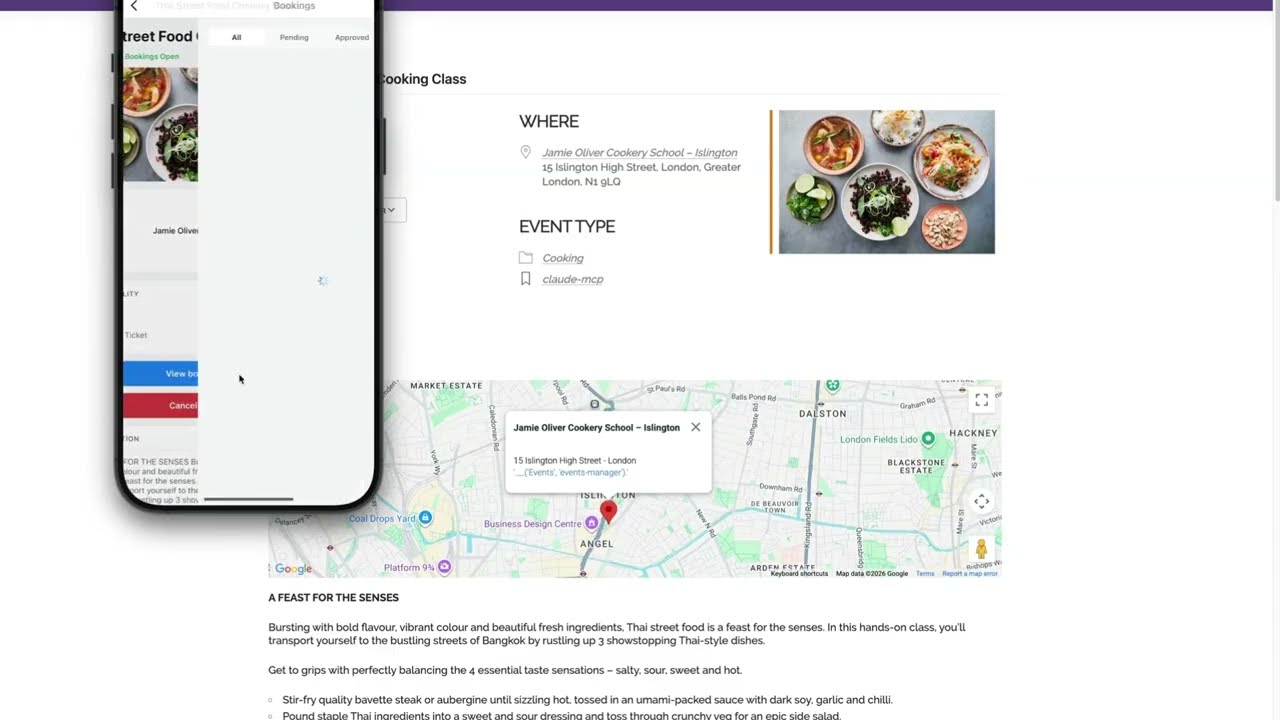
This is where it gets interesting. We gave Claude a single prompt: find five upcoming cooking classes in London, import them as events, create matching locations, add tickets, generate some test bookings, and build out a category and tag. Even running on Sonnet 4.6 — a mid-tier model — Claude worked through the whole task autonomously. It searched for venues, created the events, handled image sideloading (including self-correcting when the first approach didn’t work), set up tickets, and added fake bookings to show the booking flow.
The result: five fully-formed events on the site, a new “Cooking” category, locations across London, and real bookings on each event — all from one prompt, in a few minutes.
We also showed the upcoming mobile app pulling up those same events in real time, including the ability to check in attendees directly from the app.
Try it yourself
Everything shown in the video is live in Events Manager 7.3. The AI / MCP Setup documentation walks through each step, including how to configure Claude Desktop, Cursor, VS Code, ChatGPT connectors, and more.
If you have questions or want to share what you build with it, drop us a note in the support forum.